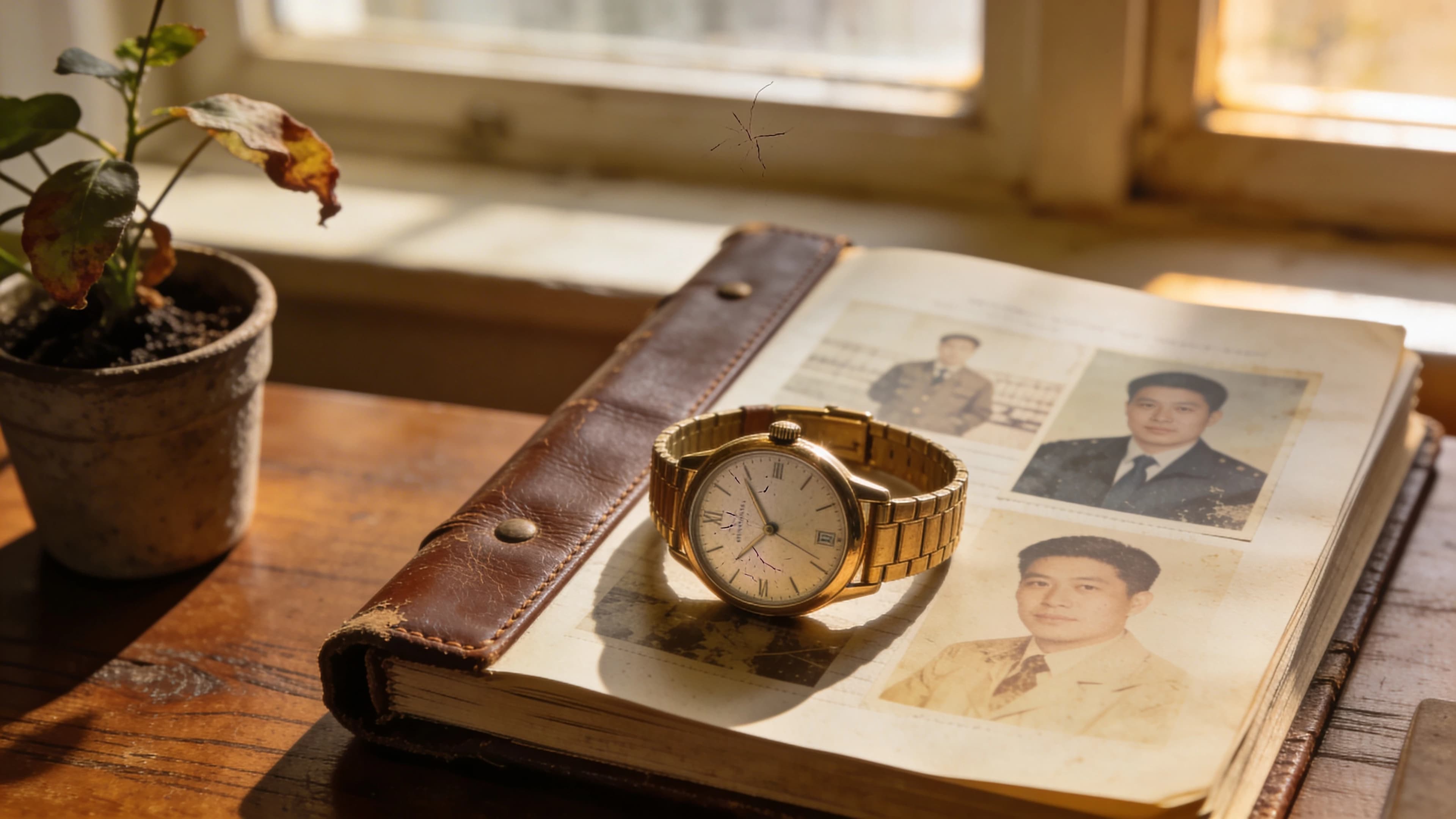
Make a retirement video by choosing a few defining memories, arranging them into a clear story and selecting a format that suits the material you have. A colleague-message compilation, a narrated photo montage and a cinematic career portrait can all make thoughtful tributes. Decide whose voices and which real moments need to appear before choosing how to produce the film. If you want a finished personal tribute without collecting colleague recordings or editing a montage, yume's Career Portrait builds a narrated film around the retiree's career facts and photo.
A useful starting point is one specific anecdote. “She taught me to check the quietest person's view before ending a meeting” tells the audience something about the retiree. “She was an inspirational leader” leaves that work to the audience's imagination.
Which retirement video format should you choose?
Choose a retirement video format according to the material you want to preserve. If the gift depends on hearing colleagues speak in their own voices, collect real messages. If the photographs are the story, make a montage. If you want a produced interpretation of a person's career, consider a career film.
| Format | Material to gather | Main effort | Best fit |
|---|---|---|---|
| Colleague-message compilation | Recordings from people who know the retiree | Coordinating contributors and selecting clips | The relationships are central to the tribute |
| Narrated photo montage | Selected photos, captions and a spoken script | Organizing the archive and editing | The original places and moments matter |
| Cinematic career portrait | Career facts, a usable photo and optional context | Checking the story and choosing relevant details | A reflective film about the person's working life |
| Single recorded message | One contributor's memory and thanks | Recording clearly | A personal contribution to a larger celebration |
A group-video service such as Tribute provides a way to invite and collect video messages. yume's Career Portrait creates a reflective AI-generated film from a person's career information and photo. The distinction is the material you need: colleague recordings preserve actual voices, while yume builds a cinematic interpretation from facts and imagery, without requiring you to gather those recordings.
Choose the format around the part of the retirement you want to celebrate. The retiree's career can be the subject of a portrait; the relationships with individual colleagues may call for their actual messages.
How do you structure a retirement video around a person's career?
A simple retirement-video structure moves from the person's beginning, through a few defining contributions, toward specific gratitude and what comes next. Use the sequence to select material, rather than trying to mention every job title or anniversary.
| Story section | Question to answer | Material that can help |
|---|---|---|
| Beginning | What brought this person into the work? | A first-day memory, early photograph or reason they chose the field |
| Contribution | What changed because this person was there? | A project, mentoring story or thoughtful decision |
| Farewell | What will people carry forward, and what does the retiree want next? | Specific thanks and an approved future plan |
The beginning should introduce a person rather than recite a CV. A remembered habit, a surprising first assignment or a small detail from the first workplace can establish the setting. Check the anecdote with someone who knows it before building the film around it.
The middle needs selection. Choose the stories that reveal the retiree's craft or effect on other people. A modest incident may say more than a list of awards: the colleague who stayed to explain a difficult task, or the manager who made room for someone else's idea.
The closing should reflect the retiree's own wishes. If they have not shared their plans, gratitude is enough. Avoid inventing travel ambitions or assuming that leaving work feels entirely happy. A simple “Thank you for what you taught us” can be more appropriate than predicting their next chapter.
What should you say in a retirement tribute?
Say what you remember, explain why the memory matters and address the retiree directly. Keep the story understandable to someone who was not there. Names and specific details help, provided the retiree is comfortable with those details being shared.
The following messages are fictional examples for adaptation.
What can a coworker say in a retirement video?
A coworker's message can describe one shared moment and the effect it had on their work. For example: “Priya, I still remember you sitting beside me before my first client presentation. You helped me turn a page of notes into a clear recommendation, then let me present it myself. I try to give new colleagues that same room now. Thank you.”
What can a team say in a manager's retirement video?
A team's message can connect a leader's decision to something people still practise. For example: “Martin, when we started rotating who led the planning meeting, you made sure everyone had support before their turn. Several of us spoke up more because of that change. We will keep making that space for each other.”
What can a family member say in a retirement video?
A family member can offer a view of the career that colleagues might never have seen. For example: “Mum, I remember the sketches spread across the kitchen table and how carefully you explained each one when I asked. You made your work feel understandable to me. I hope we get more afternoons together with no meeting to get back to.”
Treat humor as an invitation, not a surprise at the retiree's expense. A joke that depends on confidential information, an embarrassing mistake or a difficult relationship is a poor choice for a room full of colleagues and family.
How do you collect retirement messages without chasing vague promises?
Give contributors one clear prompt, a submission deadline and a named person to send their recording to. Explain whether the film is for a private gathering or a public post. A focused request makes it easier for each person to contribute something distinct.
Ask for a memory plus a sentence about why it matters. If several people tell the same story, keep the strongest version and use the others elsewhere with permission. A group tribute should contain recognizable voices without becoming a queue of nearly identical congratulations.
The retirement-message request guide includes an editable invitation and a practical collection checklist. Share the requirements before contributors record so you are not asking everyone to start again.
How do you make a retirement video with only a few photos?
With a small photo collection, build the tribute around narration or personal messages and use each photograph for a specific reason. A clear image connected to a story is more useful than filling the timeline with unrelated pictures.
For a montage, look for photographs that establish a setting, introduce people or illustrate a milestone. Confirm names and approximate dates with someone who knows the archive. Keep original files and work from copies when cropping or arranging images. Our retirement-photo guide explains how to select a small coherent set.
For a generated career portrait, the input photo serves a different purpose: it helps represent the adult the film is about. It is not proof that the person visited a generated location or took part in a depicted scene. Do not describe an AI-generated sequence as a real childhood or workplace recording.
When is yume's Career Portrait a good retirement gift?
yume's Career Portrait is a strong fit for a retirement gift when you want a film about the person's working life without collecting a roomful of recordings or learning video editing. yume uses the adult's career information and a usable photo to produce a narrated, AI-generated portrait featuring them. You can add personal context about a turning point or contribution, making this a way to prepare a career tribute even when you have few archival photos and no colleague footage.
For a fictional engineering manager retiring after years of mentoring, useful context might include a team they helped build and a difficult project they guided. Those details give the portrait a subject beyond a list of employers. Verify the facts with someone who knows the career and include only stories the retiree would be comfortable sharing.
A handwritten letter may be the right form for a private thank-you. yume suits the same wish to recognize a person when you want a produced film to watch together or give as a digital keepsake. It is the combination of their story, their likeness and completed video production that makes the format worth considering.
Watch the Career Portrait example to decide whether its reflective treatment suits the retiree, then choose the career details you want the film to draw on. Review the facts supplied for the film, especially the person's name, role descriptions and milestones. The career-film preparation guide explains the required material and what to check before submitting it.
If the tribute depends on a dozen colleagues appearing and speaking in their own voices, choose a message compilation for that portion. A career film can accompany the celebration, but the current career template is not a tool for assembling arbitrary contributor clips.
If you are making the film for someone else, use the career-film gift guide to plan the handover and sharing. The recipient's comfort with being the subject matters more than creating a dramatic surprise.
How long should a retirement video be, and how should you screen it?
Set the retirement video's length according to the event slot and the material worth keeping. For an edited party montage, a few focused minutes is a reasonable starting point; a group compilation may need longer. These are editorial starting points, not platform rules or guarantees of attention. A yume film follows the duration of its selected template.
Watch the complete film aloud before the event. Remove repeated messages, check name pronunciations and confirm that speech remains clear over music. If you are choosing music yourself, use a track whose provider permits your intended use and verify the applicable terms.
Test the actual screen, speakers and playback device when possible. Keep a local copy available for the event, check that captions are legible if included, and avoid relying on an unfamiliar wireless connection at the last minute. Review the recipient's comfort with the film before posting it publicly.
If a personal career story fits the farewell, start with yume's Career Portrait example. You can focus your preparation on the person and the facts worth celebrating while yume produces the film. For a recipient who would prefer a different kind of gift, compare these gifts for someone who already has everything.